In my previous post, I explored phygital experiences that connect visitors to cultural content through tactile and digital storytelling. Now, I’m moving into the prototyping phase, and to bring these kinds of interactions to life, I’m turning to microcontrollers.
At the same time, I’ve been thinking more about the story I want my prototype to tell. Since my focus is on history and cultural heritage, and because I’m still fairly new to Graz, I saw this project as a unique opportunity to explore the city through this design challenge. My initial idea was to highlight the city’s well-known landmarks, but that felt too predictable. Instead, I want to uncover the hidden, quirky, and lesser-known places that give Graz its unique character. My goal is to create a lo-fi prototype that invites people to touch and listen, triggering short sounds or spoken fragments linked to unusual locations and landmarks in Graz.
Why Microcontrollers?
Microcontrollers offer a way to bridge physical input (like touch or proximity) with digital output (like sound, light, or video). They’re lightweight, flexible, and ideal for low-fidelity prototypes, the kind that let me quickly explore how interaction feels without fully building the final experience.
For a museum-like experience or an interactive city artifact, microcontrollers allow subtle, intuitive interactions, like triggering a sound when you place your hand on a surface, or activating a voice from an object when you stand near it. They’re perfect for phygital storytelling rooted in emotion, mystery, and place.
What My Prototype Needs to Do
To support this narrative direction, I want to create an experience that allows people to uncover hidden details about Graz through sound. Each interaction will trigger a short audio response that reveals something unexpected or overlooked.
Technically, it needs to:
- Input: Detect touch or proximity
- Output: Play short audio clips
- Interaction: Simple, screen-free feedback
- Portability: USB- or battery-powered
- Expandability: Easy to add more spots and sounds
Why Sound?
For this project, sound will serve as the main storytelling layer.
Each interaction might trigger:
- A whispered story or urban myth
- A short audio poem or phrase
- Field recordings from that specific location
- A strange or surreal audio cue (like an echo, animal noise, or machine hum)
Unlike visuals or text, sound allows for immediacy and interpretation. People don’t just hear, they imagine. And that makes it ideal for revealing the hidden soul of a place like Graz.
Microcontroller Options
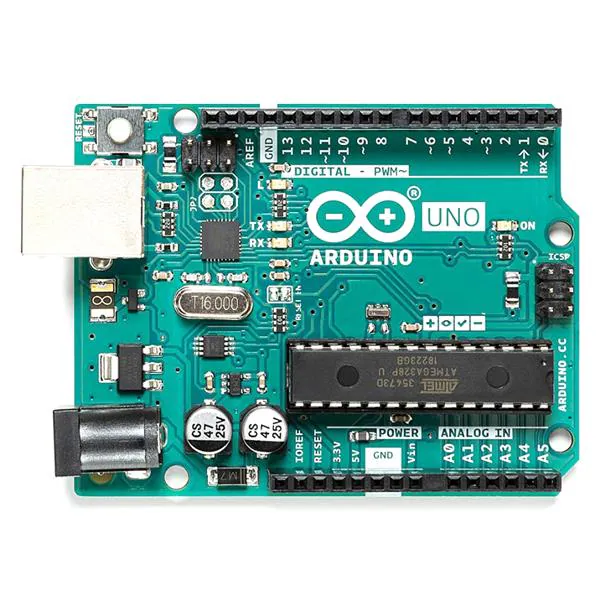
Arduino UNO
+ Compatible with sensors and DFPlayer Mini, well supported.
– Requires extra components for audio, more setup.
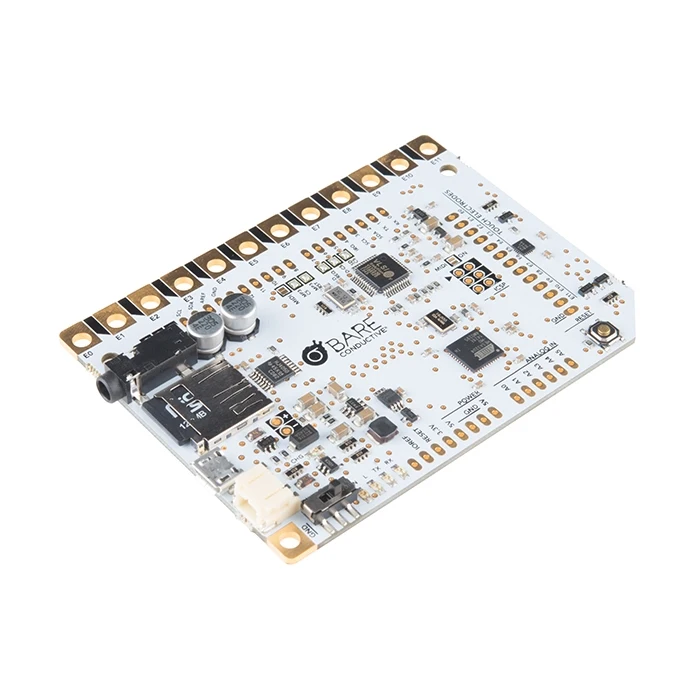
Touch Board (Bare Conductive)
+ 12 built-in capacitive touch sensors, MP3 playback from microSD, perfect for touch-based sound triggers.
– Slightly bulkier and more expensive, fewer I/O pins.
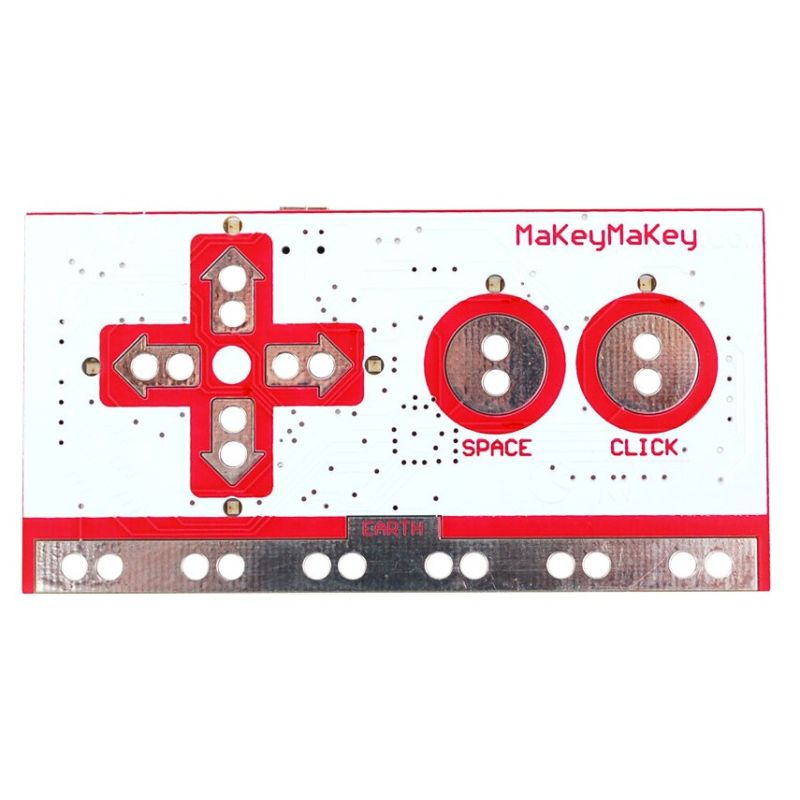
Makey Makey
+ Very fast and beginner-friendly.
– Needs a computer, limited interaction types, not standalone.
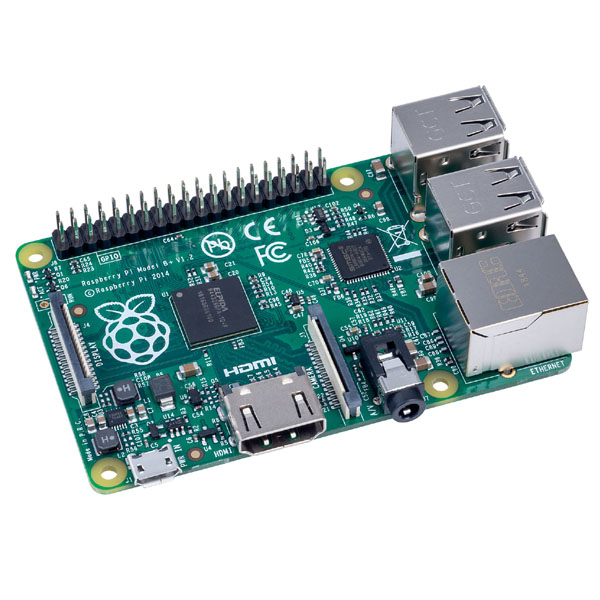
Raspberry Pi
+ Great for future audio-visual expansion.
– Too complex for lo-fi prototyping, more fragile.
What’s Next
After this research, I’ve decided to use the Touch Board for my first prototype. It’s specifically designed for sound-triggered, touch-based interactions, making it ideal for what I want to create: a playful and poetic interface that reveals hidden stories through sound. Its built-in MP3 playback and capacitive touch support mean I can keep my setup compact and focus on designing the experience, not just wiring the tech.
My first test setup will include:
- Input: Touch sensor (built into the board)
- Output: MP3 sound through speaker/headphones
- Feedback: A single LED to show when a sound is playing
- Goal: When someone touches a marked location on the map, a sound plays, revealing part of Graz that’s normally overlooked.
This early version will help me test the feeling of the interaction before I scale up to a full map or multi-point layout.
