Welcome to my Day 1 Expo vlog recap. The talk I would to talk about and my favorite one is “Design Component Development for GENAI.” In simple terms, it was about how to give an AI a set of building blocks so it can put together user interfaces on its own. Here’s my basic rundown:
The speaker started by showing a simple picture of how this process works. On one side, you write down a list of interface pieces—things like buttons, cards, or headers. In the middle, there is the AI that “reads” these pieces. On the other side, the AI makes a full screen or page using those pieces. It was neat to see that you don’t have to draw every screen by hand; instead, you explain to the AI what each piece does, and it puts them together for you.
First, the speaker explained how to describe each piece in a plain text format. For example, for a button, you write down:
- The text that will appear on the button (like “Submit”).
- What happens when someone clicks it (for example, “send form”).
- How it should look (such as size and color).
For a card (which is a box that might show a photo, a title, and some text), you would write down:
- The title text.
- The description text.
- The link or image URL.
The idea is that when you ask the AI to build something—like “Make me a signup form”—it uses the pieces you described. It finds the “input field” pieces for name and email, the “button” piece for submission, and arranges them neatly.
Next, the speaker talked about how to keep those pieces organized in code. Instead of saving them only in design files (like a picture or a static mockup), you save each piece with all its details in a code library. This way, the AI can look at those code definitions and know exactly what each piece can do. For each piece, you also add simple notes like:
- How big it should be on small screens.
- What color it should use.
- Any special labels for people using screen readers.
Then, when you give the AI a request like “Create a signup form with a title, fields for name and email, and a primary button,” it goes through the code library, picks the right pieces, and instantly shows you HTML or a picture of the form. In a live demo, the speaker typed a short request, and within seconds the AI put together a complete form with the correct text sizes, colors, and spacing for both phones and computers. It felt like magic.
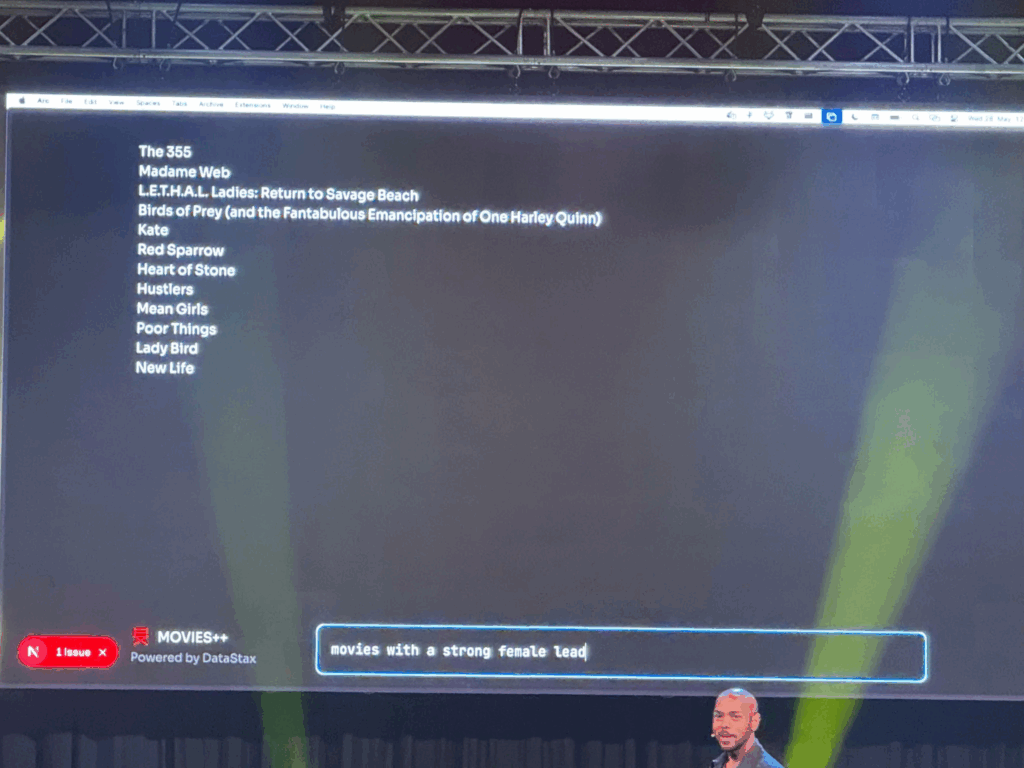
Because the AI can generate many pieces very quickly, the speaker emphasized the need for a review step. Designers have to look at what the AI made and say, “Yes, keep this,” “Please fix that,” or “No, don’t use this.” This makes sure the library doesn’t get cluttered with unused or messy pieces.
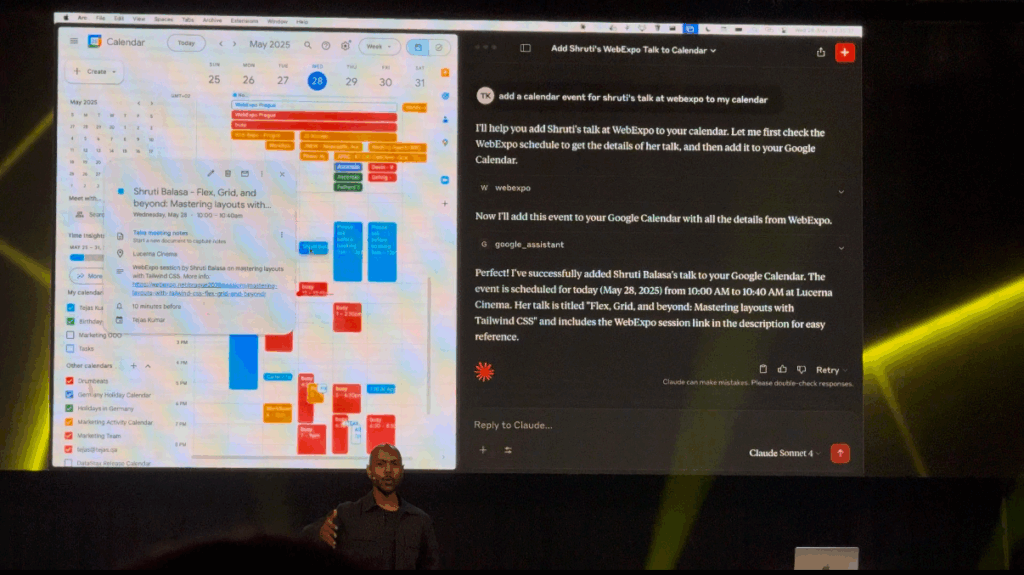
Finally, the speaker shared a couple of simple examples. One was a dashboard generator: users choose the numbers or stats they care about, and the AI picks the right chart pieces, tables, and filters to build a dashboard. Another example was a mobile app mockup: the AI pulled real content from a database so the design didn’t use placeholder text. It saved the team a lot of time.
Walking out of the room, I felt excited. The main message was clear: AI won’t replace designers. Instead, AI can help designers work faster by taking simple instructions and building screens automatically. All we need to do is clearly describe our design pieces and keep them organized. Today’s session on GenAI design was eye-opening.
