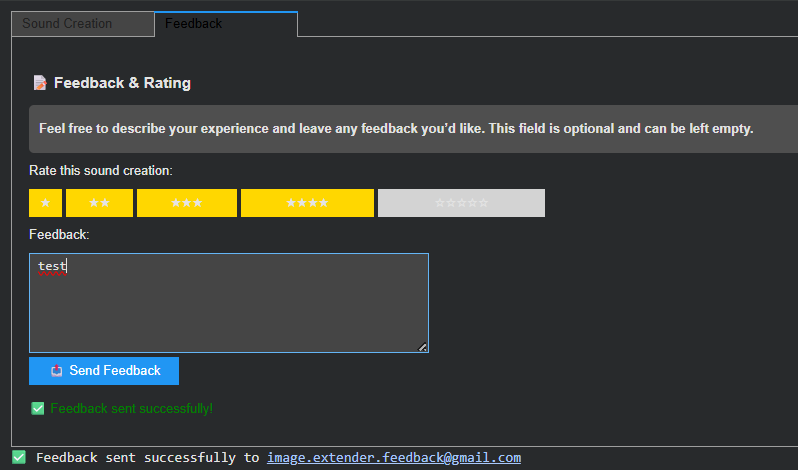
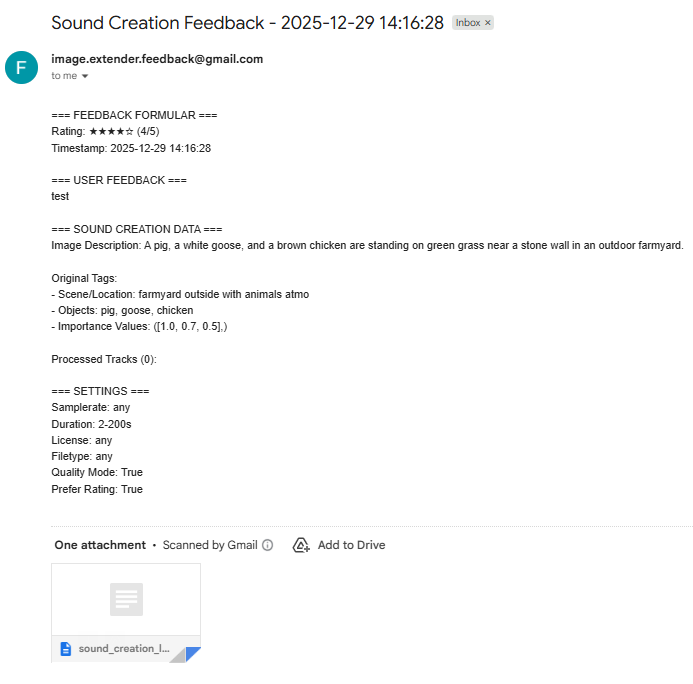
From Notebook Prototype to Local, Exhibitable Software
This iteration was less about adding new conceptual capabilities and more about solidifying the system as an actual, deployable artifact. The core task was migrating the image extender from its experimental form into a standalone local application. What sounds like a technical refactor turned out to be a decisive shift in how the system is meant to exist, be used, and be encountered.
Until now, the notebook environment functioned as a kind of protected laboratory. It encouraged rapid iteration, verbose configuration, and exploratory branching. Moving out of that space meant confronting a different question: what does this system look like when it stops being a research sketch and starts behaving like software?
The transition from Colab-style execution to a locally running script forced a re-evaluation of assumptions that notebooks quietly hide:
- Implicit state becomes explicit
- Execution order must be deterministic
- Errors can no longer be “scrolled past”
- Configuration must be intentional, not convenient
Porting the logic meant flattening the notebook’s narrative structure into a single, readable execution flow. Cells that once assumed context had to be restructured into functions, initialization stages, and clearly defined entry points. This wasn’t just cleanup, it was an architectural clarification.
In the notebook, ambiguity is tolerated. In running software, it accumulates as friction.

Reduction as Design: Cutting Options to Increase Clarity
One of the more deliberate changes during this phase was a reduction in exposed settings. The notebook version allowed extensive tweaking, model switches, resolution variants, prompt behaviors, fallback paths, all useful during development, but overwhelming in a public-facing context.
For the exhibition version, optionality became noise.
Instead of presenting the system as a configurable toolkit, I reframed it as a guided instrument. Core behaviors remain intact, but the number of visible parameters was intentionally constrained. This aligns with a recurring principle in the project: flexibility should live inside the system, not on its surface.
Adapting for Exhibition: Y2K as Interface Language
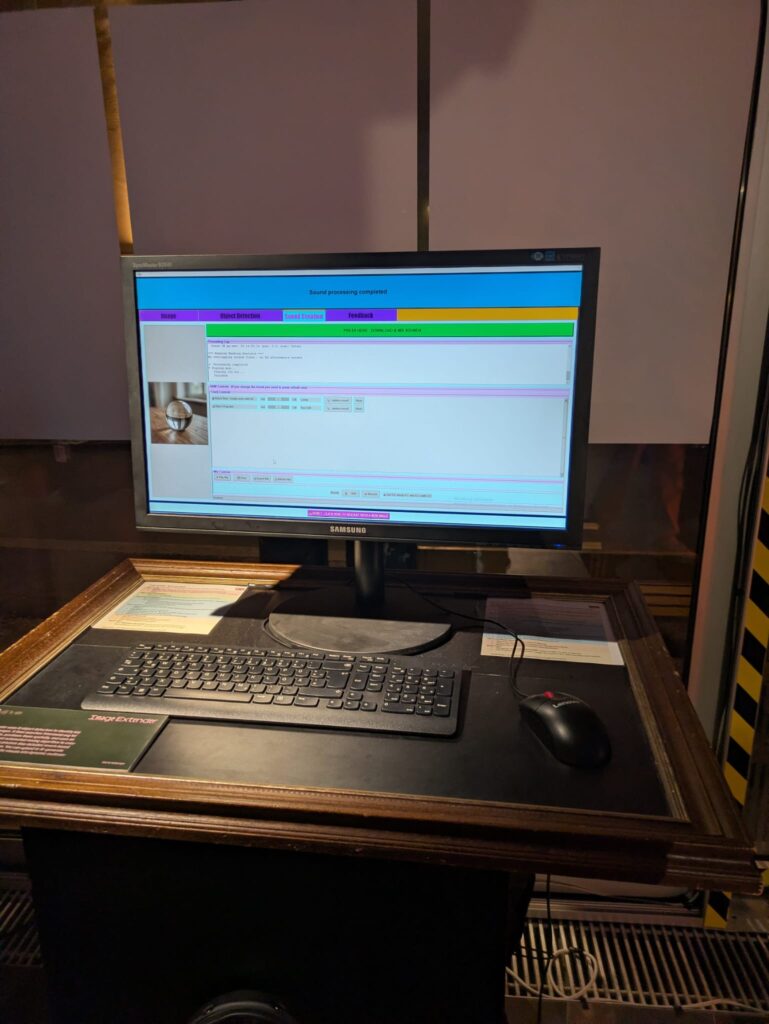
Alongside the structural changes, the interface was visually adapted to match the exhibition context. The decision to lean into a Y2K-inspired color palette wasn’t purely aesthetic; it functioned as a form of contextual grounding.
The visual layer needed to communicate that this is not a neutral utility, but a situated artifact. The Y2K styling introduced:
- High-contrast synthetic colors
- Clear visual hierarchy
- A subtle nod to early digital optimism and machinic playfulness
Rather than competing with the system’s conceptual weight, the styling makes its artificiality explicit.
Stability Over Novelty
Another quiet but important shift was prioritizing stability over feature expansion. The migration process exposed several edge cases that were easy to ignore in a notebook but unacceptable in a live context: silent failures, unclear loading states, brittle dependencies.
Addressing these didn’t add visible functionality, but they fundamentally changed how trustworthy the system feels. In an exhibition setting, reliability is part of the experience. A system that hesitates or crashes invites interpretation for the wrong reasons.
Here, robustness became a form of authorship.
Reframing the System’s Status
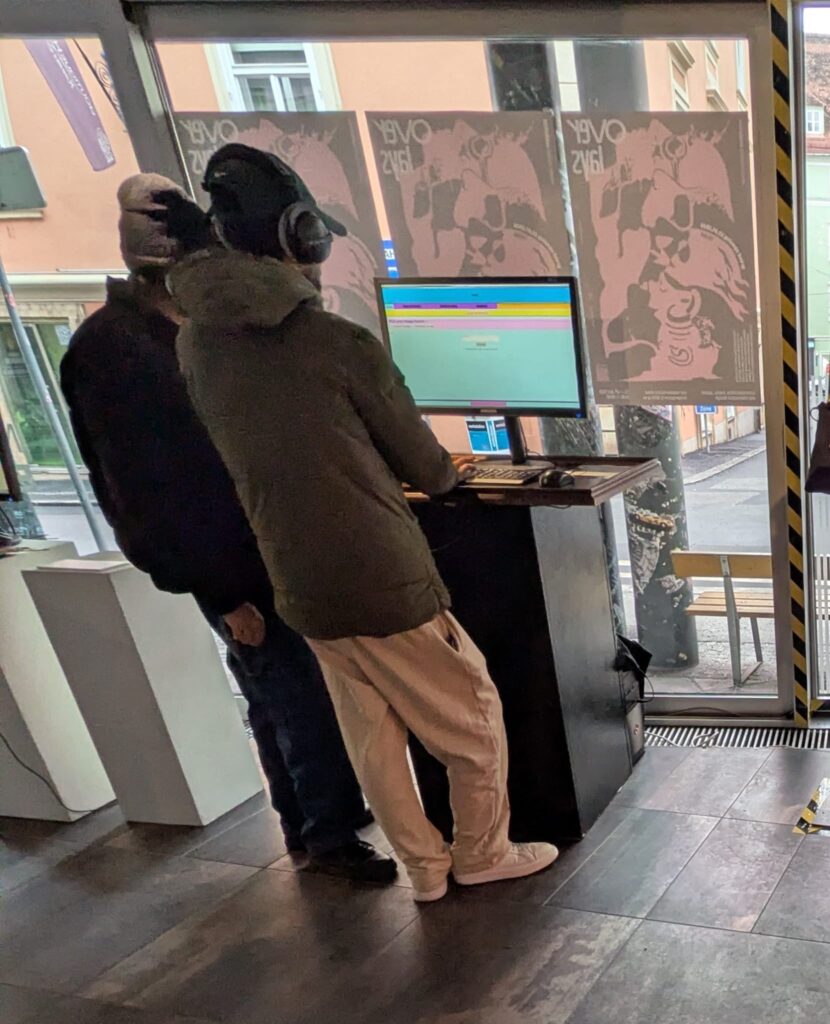
By the end of this iteration, the most significant change wasn’t technical, it was ontological. The system is no longer best described as “a notebook that does something interesting.” It is now a runnable, bounded piece of software, designed to be encountered without explanation.
This transition marks a subtle but important moment in the project’s lifecycle:
- From private exploration to public behavior
- From configurable experiment to opinionated instrument
- From development environment to exhibited system
The constraints introduced in this phase don’t limit future growth, they define a stable core from which growth can happen meaningfully.
If earlier updates were about expanding the system’s conceptual reach, this one was about giving it a body.