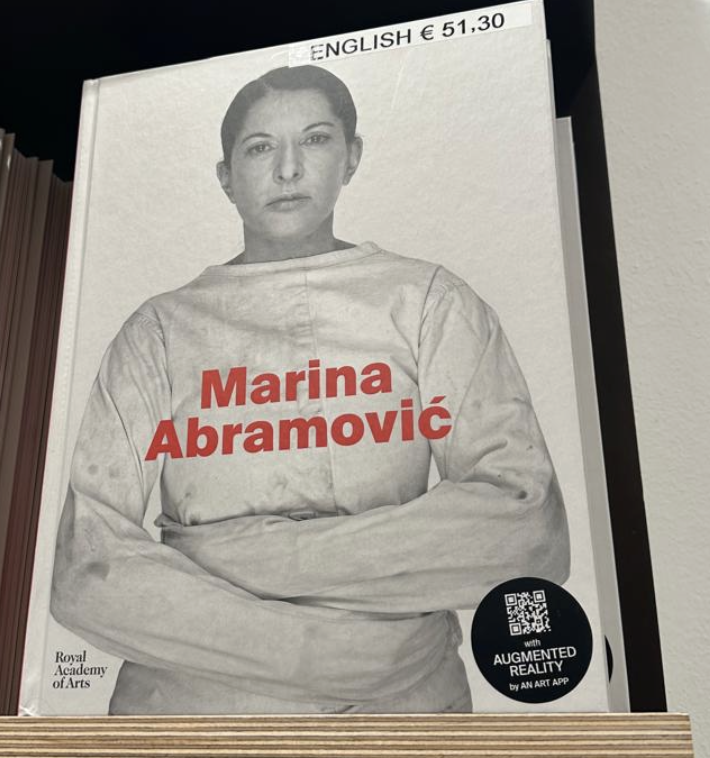
During my recent visit to the Albertina, I discovered a sticker on a Marina Abramović exhibition book pointing to an AR app called AN ART. I was immediately intrigued by the app because I assumed it would be a high-quality app and wanted to compare it to one I had previously seen. I thought it might have more interesting features and details.
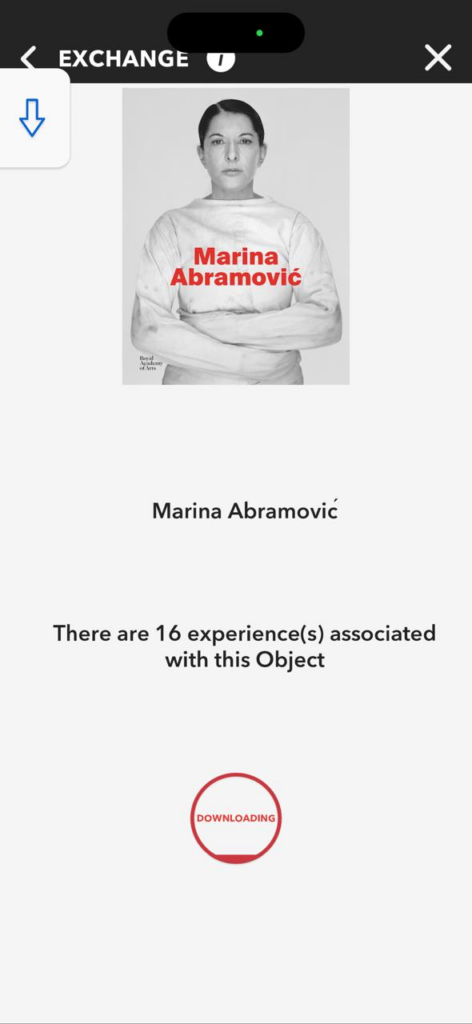
The AN ART App is part of a broader AR platform developed by the art technology initiative An Art Company. The app’s purpose is to allow audiences to activate and experience augmented reality content connected to artworks, exhibitions, and artistic projects directly through their mobile devices. It is available for download on both iOS and Android, and once installed, users can scan marked objects or images — like the sticker I saw on the Abramović book — to unlock digital layers of content. One thing to point out is even without a QR code or the image, the user can see the design at home and place it accordingly. all the designs can be dowloaded and saved in your device for free.
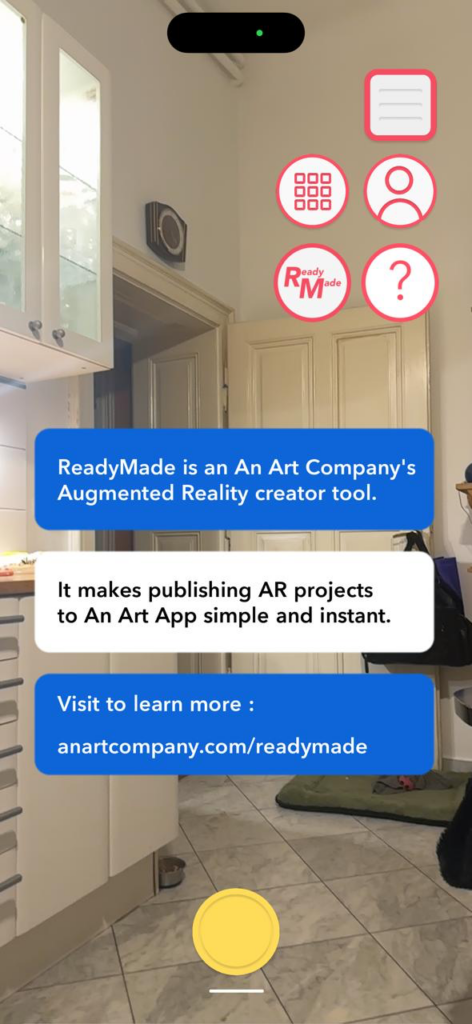
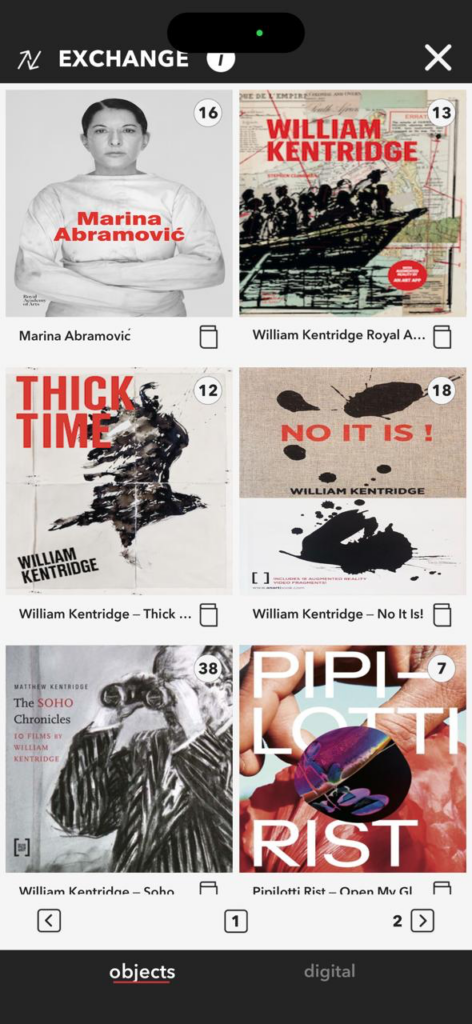
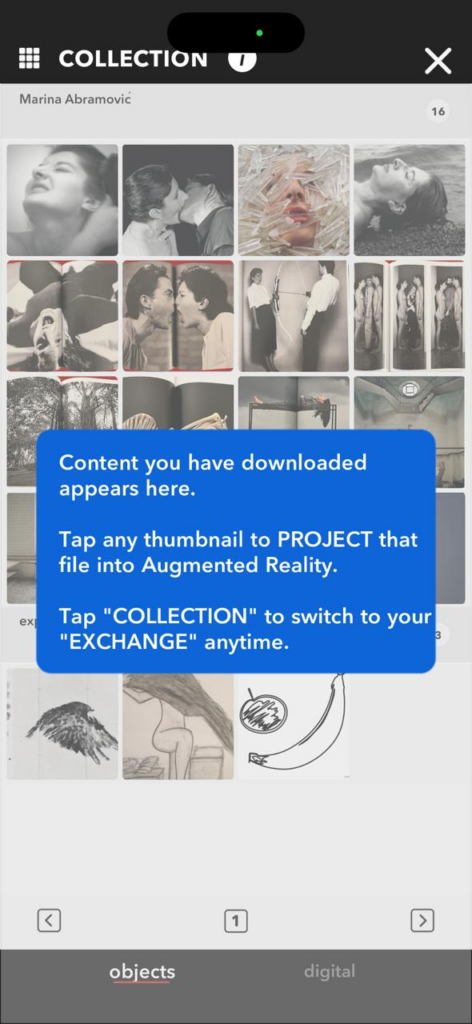
As I understood it is primarily designed as a tool for artists, publishers, galleries, and museums to attach AR content to physical objectssuch as books, posters, artworks, or exhibition materials.
USER EXPERIENCE REVIEW:
The application is experiencing significant glitches. I tested the application on my friends’ Android phone, and I believe that only higher-performance devices are fully supported. Older or less powerful phones or tablets may only function in an experimental mode or may perform poorly. This can result in poor AR tracking or crashes on lower-end devices. The interface is confusing and frequently redirects me to the main page. I have already downloaded an object, but I need to download it again within an hour. Some buttons are not even functional at times. Currently, the application is not opening.
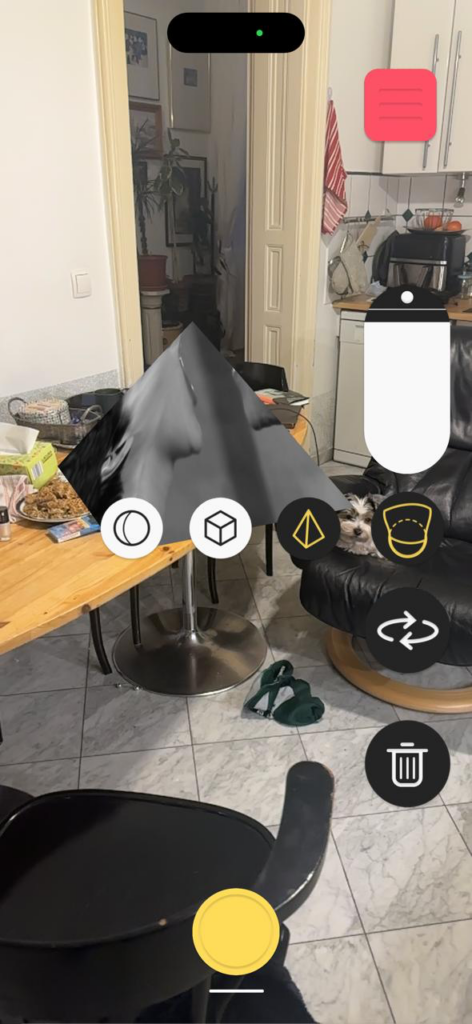
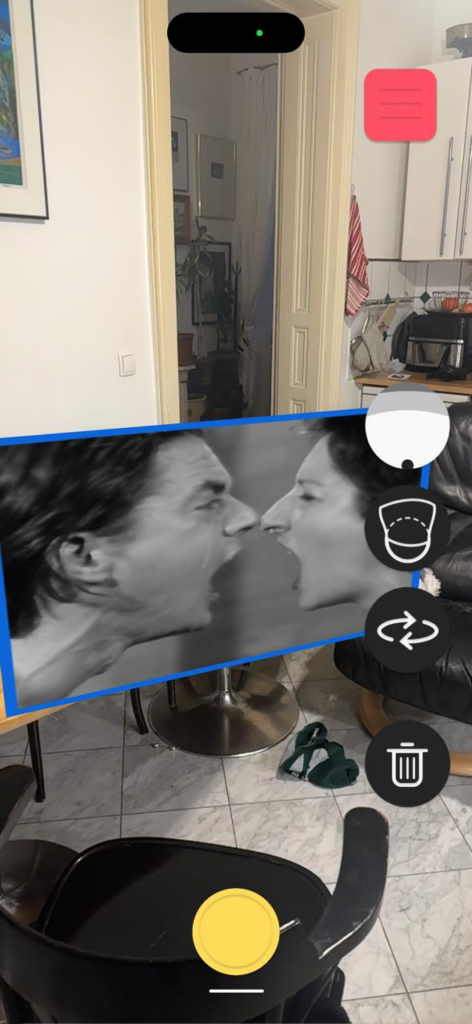
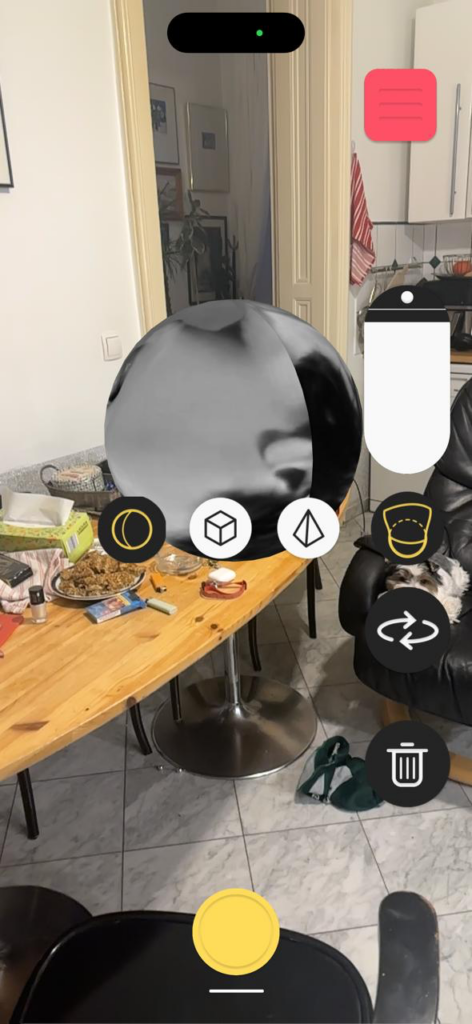
Here we can see that the original cone shape can be changed and adjusted directly in the AR environment. Both the form and its position are flexible, which makes it possible to adapt the object to the space. The sound linked to the cone was initially too loud, so finding the right placement was important to make the audio feel balanced. After adjusting the position, the sound worked as intended. However, the experience later became glitchy, and the object can no longer be accessed or edited in the same way as before, which shows some technical instability in the system. We also have the option of recording it with this app.
Meanwhile while I did more research about In the meantime, while I delved deeper into researching the tools likely used to create the acute art experience (Marina Abramović AR/VR project).Acute Art does not publicly list a detailed development stack, we can see in some of the previews and behind the scene footage some hints. As far as we currently understand, the types of tools and platforms that are used in creating such AR/VR artworks are.
most likely used:
Unity or Unreal Engine
Blender (open-source 3D modeling)
Maya / 3ds Max (industry modeling and animation tools)
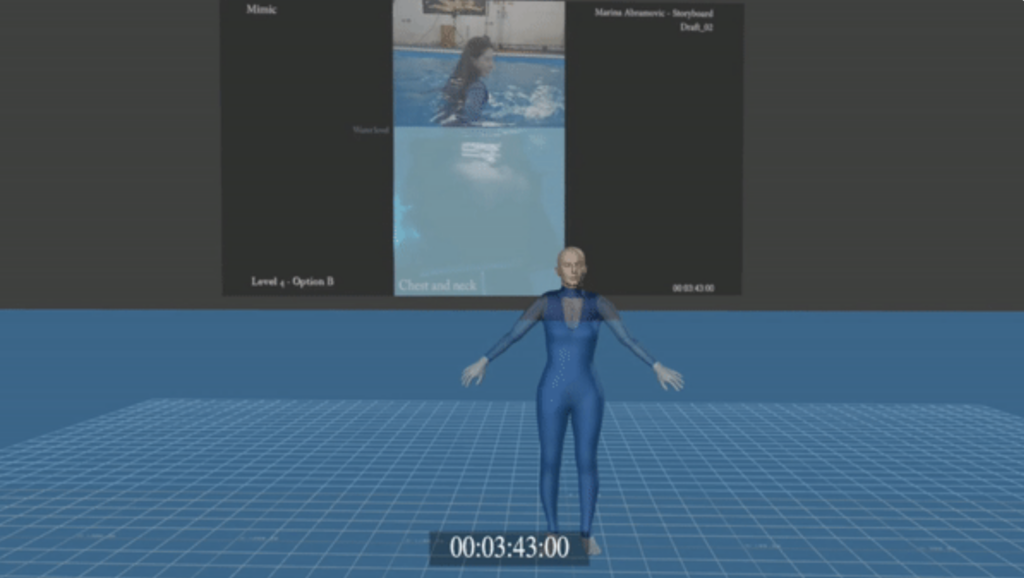
Marina Abramović – Acute Art AR/VR Project:
https://www.acuteart.com/discover/marina-abramovic?itemId=dwexa8zkulmp1xtuckspzebzexz7w0
AN ART App – AR Experience Platform:
https://www.anartcompany.com/app
AN ART ReadyMade Creator Platform:
https://www.anartcompany.com/readymade
In the development of this post, AI (ChatGPT) was used as a supportive writing and structuring tool. I provided the conceptual content, research direction, theoretical preferences, and methodological decisions, while the AI assisted in translating it to English, refining the wording, organising the material and generating a coherent text draft based on my input. The AI did not produce research or arguments but helped transform my ideas into a clear and well-structured text draft.
