Head-Up Displays (HUDs) are becoming an essential tool in modern vehicles, providing essential driving information without requiring the driver to look away from the road. However, designing HUDs that work seamlessly in both bright daylight and dim nighttime conditions presents significant challenges. To ensure optimal visibility and usability, designers must consider adaptive brightness, contrast and colour schemes tailored to different lighting environments.
The challenges of lighting
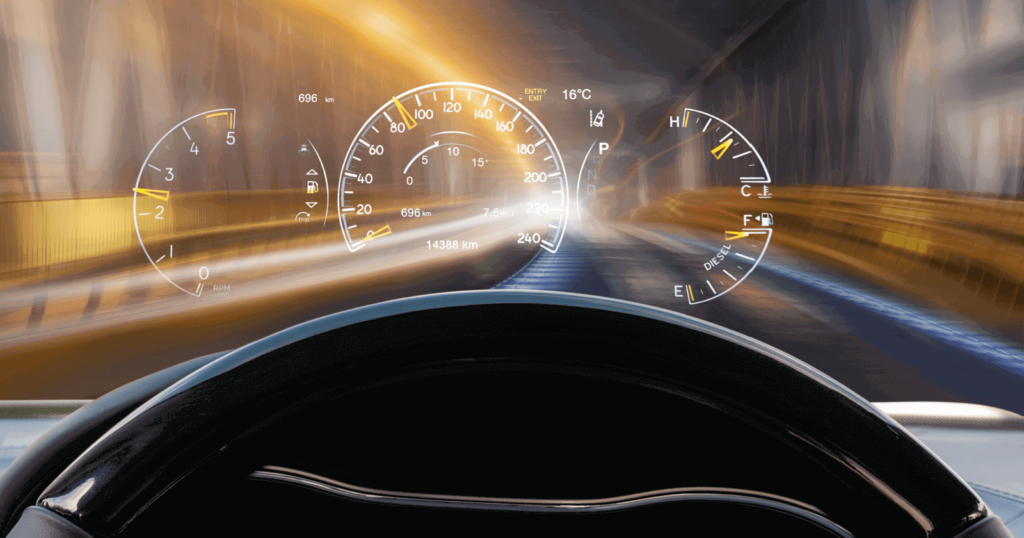
Driving environments can change dramatically between day and night, affecting how information is perceived on HUDs. In bright sunlight, glare and reflections can wash out display elements, making them difficult to read. Conversely, at night, overly bright HUD elements can cause eye strain and distract the driver from concentrating on the road.
(source: https://ackodrive.com/car-guide/head-up-displays/)
Adaptive brightness
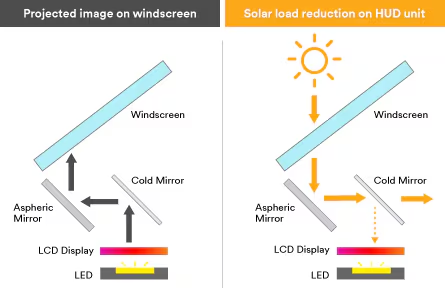
An effective solution to lighting challenges is adaptive brightness. Using ambient light sensors, HUDs can automatically adjust their brightness levels to suit the environment. For example, during the day the display can increase in brightness to reduce glare from sunlight, while at night it can be lowered to reduce strain on the driver’s eyes.
Contrast settings
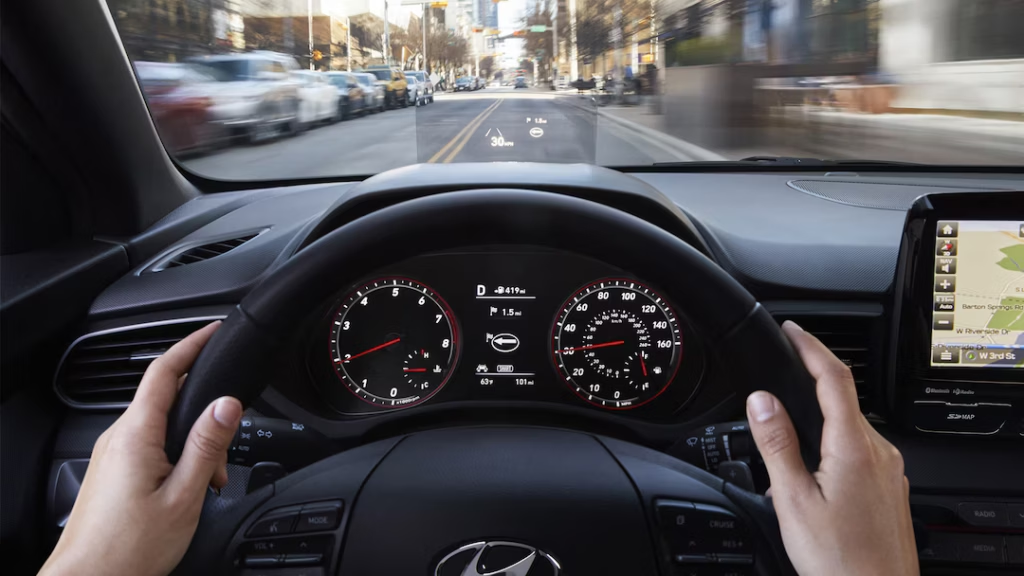
High contrast between HUD elements and their backgrounds is critical for readability, especially in difficult lighting conditions. Designers can use bold, high-contrast text and symbols to ensure clarity. For example, white or light-coloured text on a dark background works well at night, while dark text on a lighter background improves visibility during the day.
(source:https://www.motortrend.com/features/head-up-display/)
Colour schemes
Appropriate colour schemes can improve readability and reduce cognitive load. During the day, bright colours such as green, blue or orange can help highlight important information, while at night, softer tones such as muted blues and greys prevent excessive brightness. Red should also be avoided at night, as it can impair night vision.
Real-world implementations
Automotive manufacturers are developing advanced HUD systems with lighting adaptability. For example, some systems use micro-mirror technology to dynamically adjust brightness based on ambient conditions, while others integrate multiple layers of colour and contrast to enhance visibility.
Designing HUDs that perform well in all lighting conditions is essential for safety and usability. By incorporating adaptive brightness, optimising contrast and carefully selecting colour schemes, designers can create HUDs that are effective and comfortable to use both day and night. As automotive technology continues to evolve, addressing these lighting challenges will remain a critical aspect of HUD design.
References:
https://caradas.com/understanding-adas-automotive-heads-up-display-hud/
