My research on the “Trotec Laser Cutter” in our FabLab at the FH has provided insights in the design possibilities with paper and thicker flat materials and turning them into 3 dimensional works. The laser cutter allows for three primary operations: engraving, etching, and cutting, from which you can obtain foldable shapes for displays or prototypes.
Artistic Designs
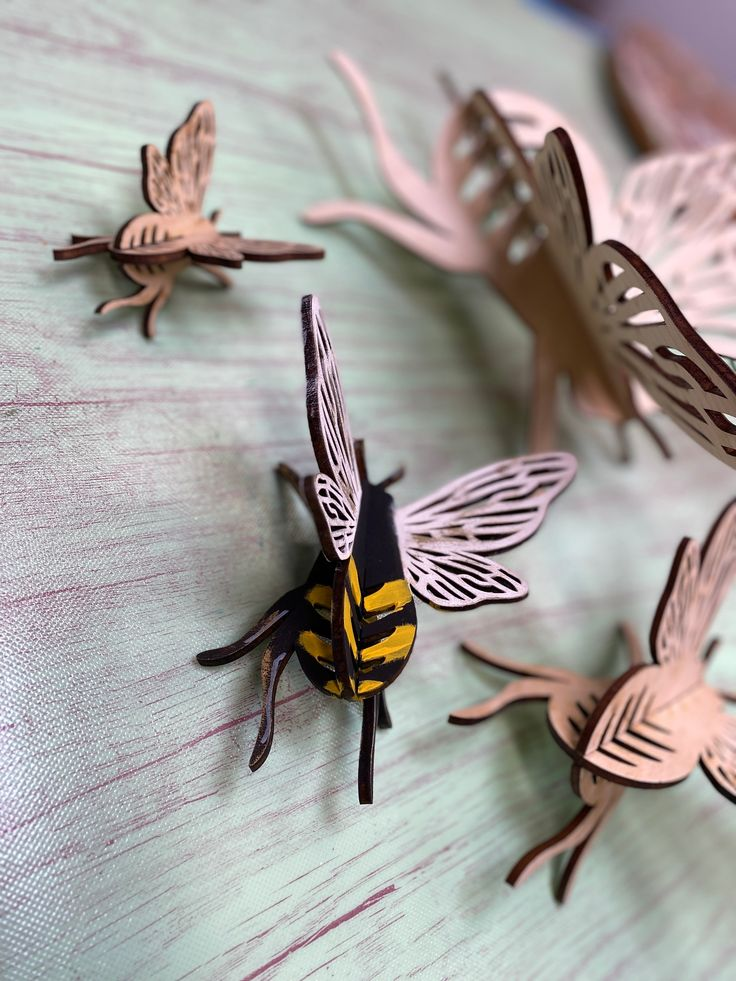
When working on artistic or decorative projects where precise dimensions are less critical, the kerf’s impact can often be disregarded. In these cases, the focus shifts to the aesthetic aspects and the overall visual appeal of the design, enabling greater creative freedom.
Proof-of-Concept or Rapid Prototyping
In the early stages of a project, such as proof-of-concept development or rapid prototyping, speed and iteration often take precedence over precision. At this stage, accounting for kerf may not be necessary. Quickly fabricating prototypes allows for efficient testing and refinement of the design without being hindered by minor details like kerf adjustments.
Inspiration


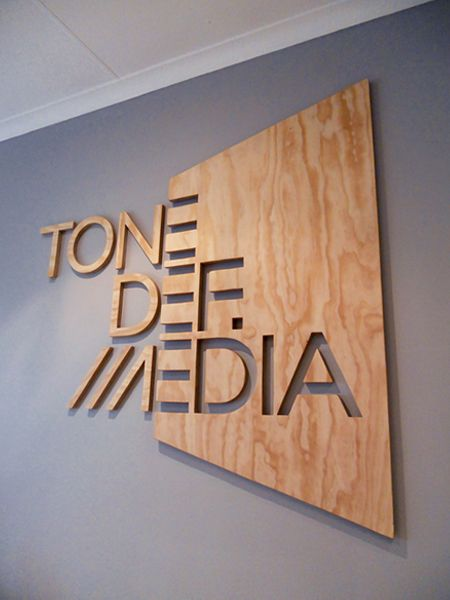

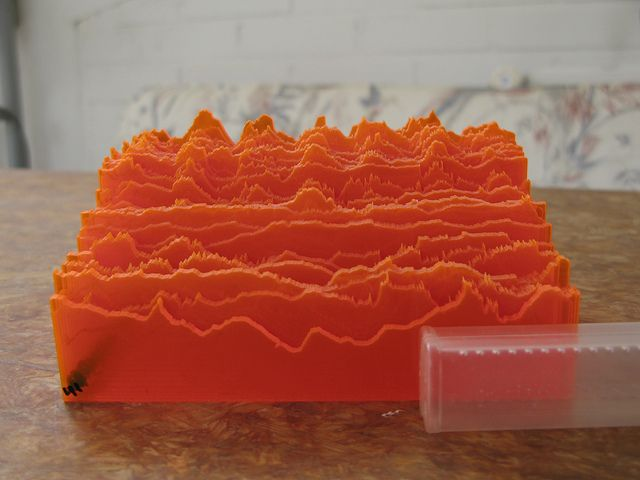

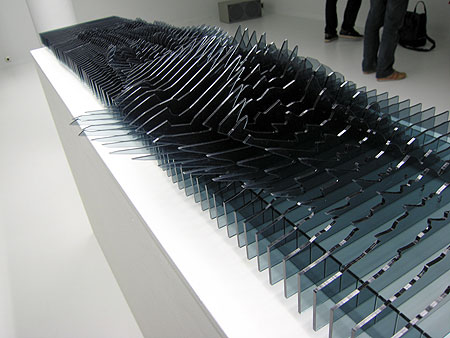

Possible Materials
- Acrylic Glass (Plexiglas, PMMA) (0.5mm to 10mm) https://www.tiktok.com/@troteclaser/video/7221815134329572635
- Paper (up to 300g)
- Corrugated Cardboard (0.5mm to 4mm)
- Cardboard (0.5mm to 4mm)
- Air-Ply (0.5mm to 2mm)
- Poplar Plywood (3mm to 10mm)
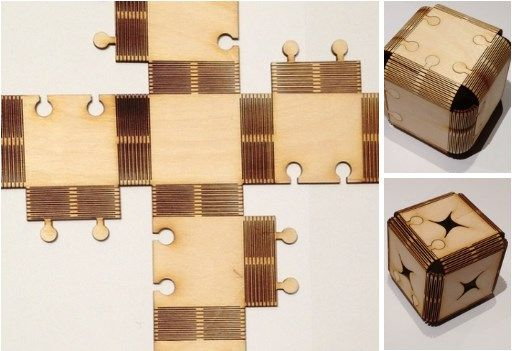

Kerf cutting
This is a technique that takes advantage of the kerf by weakening your material to allow for flexible sections (shown below). This works best in thinner wood materials, with downloadable templates
Understanding and accounting for kerf is an important aspect of designing for laser cutting. Kerf refers to the width of material that is removed during the cutting process, resulting in the laser beam vaporizing or melting away a small portion of the material. While kerf may seem like a minor detail, it can affect the overall dimensions and fit of your final design. There are instances where considering kerf is crucial:
- Interlocking Parts: If you’re designing parts that need to fit together snugly, such as puzzle pieces or interlocking joints, you must account for the kerf. Failing to adjust the design for kerf could result in parts that are too loose or too tight, compromising the functionality of the final assembly. In such cases, you can offset the design by the kerf width to ensure a precise fit.
- Enclosures and Boxes: When creating enclosures or boxes with tabs and slots, the kerf should be taken into account to achieve proper alignment and fit. Without accounting for kerf, the slots may be too narrow, preventing the tabs from fitting correctly, or they may be too loose, resulting in an unstable structure. By adjusting the design dimensions based on the expected kerf, you can ensure the pieces fit together seamlessly.
- Dimensional Accuracy: If your design requires precise dimensions, such as when creating parts that need to fit into existing objects or mechanisms, accounting for kerf is essential. Neglecting to adjust for kerf could lead to components that are slightly larger or smaller than intended, affecting the overall functionality and fit of the final product.
Resources:
