The automotive industry is going through a transformation driven by technological advances and changing user expectations. As vehicles become increasingly connected, autonomous and electric, the role of user experience (UX) design becomes essential in creating a safe, intuitive and enjoyable driving experience.
(source: https://www.linkedin.com/pulse/driving-success-critical-importance-ux-design-gerard-chaustow/)
User-Centered Design: Drivers come first.
The basis of automotive UX is user-centred design – an approach that prioritises the needs, behaviours and preferences of drivers and passengers.
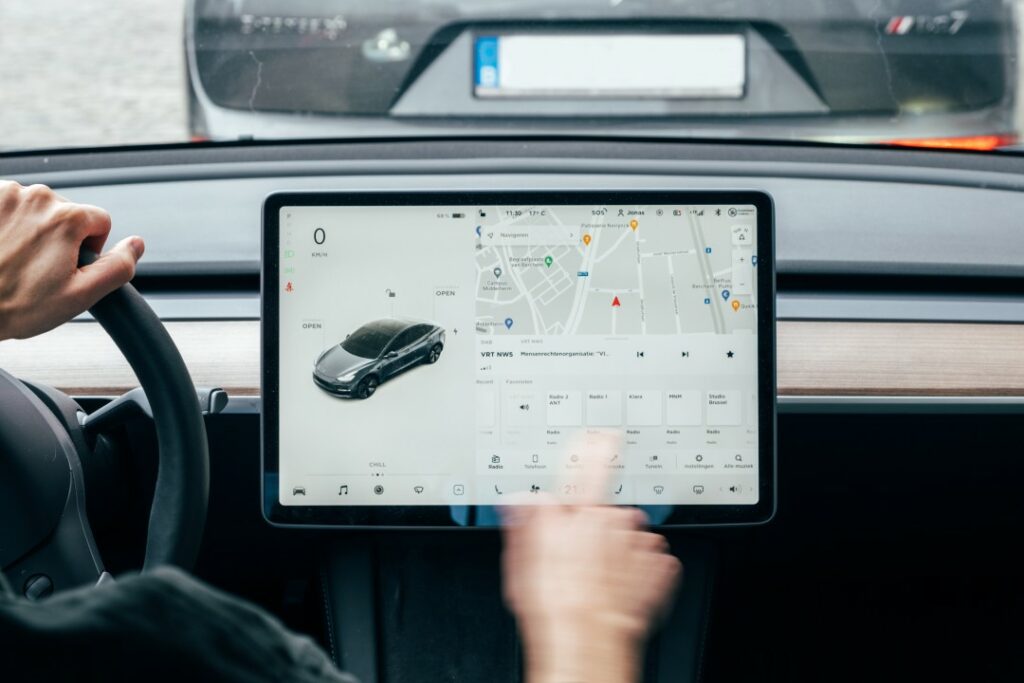
Unlike traditional vehicles, where mechanical performance was at the centre of the focus, modern cars are increasingly defined by their digital interfaces and features. Designers need to make sure that all interactions with the vehicle – whether it’s setting the climate controls or navigating the infotainment system – are intuitive and seamless.
To achieve this, designers carry out a wide research on how users interact with vehicles in different contexts. This includes understanding how drivers perceive information while driving, how they interact with touchscreens or voice commands, and how they handle distractions. The goal is to minimise cognitive load so that drivers can focus on what’s most important: safe driving.

(source: https://www.ramotion.com/blog/automotive-ux-design/)
Safety as a Fundamental Principle
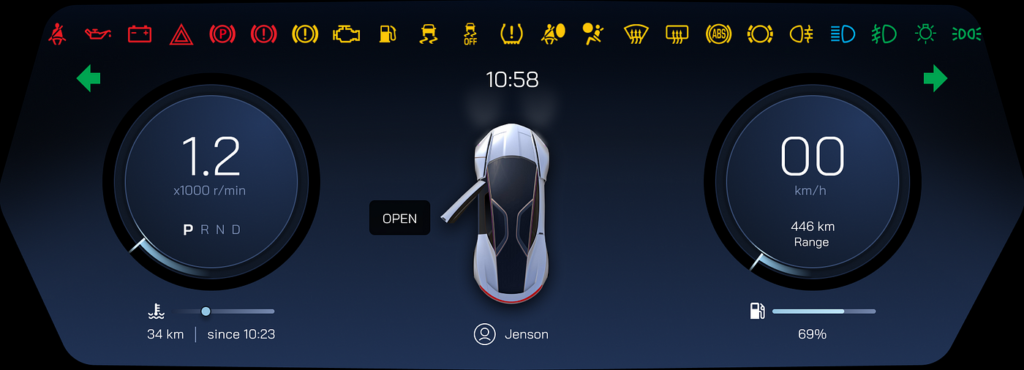
Safety is a fundamental consideration when designing UX in the automotive industry. With the development of advanced driver assistance systems (ADAS) such as lane keeping assist or automatic emergency braking, it is essential that these systems are reliable and easy to use. Poorly designed interfaces can lead to confusion or even accidents if drivers misinterpret warnings or have difficulty operating safety features.
A key aspect of safety-focused UX is information hierarchy – making sure critical information is displayed clearly and at the right time. For example, speed limits or collision warnings should be visible on dashboards or head-up displays (HUDs), while less urgent information can be hidden in secondary menus. In addition, haptic feedback (such as steering wheel vibration) can provide non-visual signals to alert drivers without overwhelming them with too much visual information.
The Role of Connectivity and Infotainment
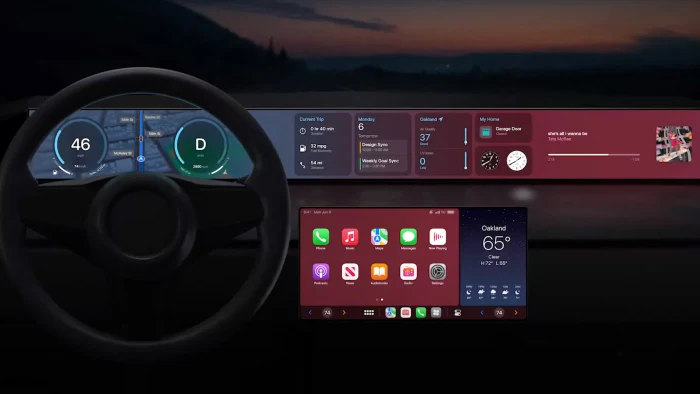
Modern vehicles are no longer standalone machines, but part of a wider ecosystem of connected devices. From smartphone integration to real-time traffic information updates, connectivity has become an essential part of the automotive UX. Infotainment systems now offer a wide range of features such as Apple CarPlay, Android Auto, voice assistants such as Amazon Alexa, and even streaming services. With these added features, however, comes the challenge of making sure they don’t distract drivers from the driving experience. Designers must strike a balance between offering a wide range of features and keeping the controls simple. Voice control has become a popular solution for limiting screen interaction while driving, allowing users to make phone calls or change music hands-free.
(source: https://www.autoblog.com/features/apple-carplay-next-generation-data)
References:
https://www.uxpin.com/studio/blog/automotive-ux/
https://www.ramotion.com/blog/automotive-ux-design/
https://makolab.com/insights/user-experience-design-for-in-car-systems
