Iterative Workflow and Feedback Mechanism
The primary objective for this update was to architect a paradigm shift from a linear generative pipeline to a nonlinear, interactive sound design environment
System Architecture & Implementation of Interactive Components
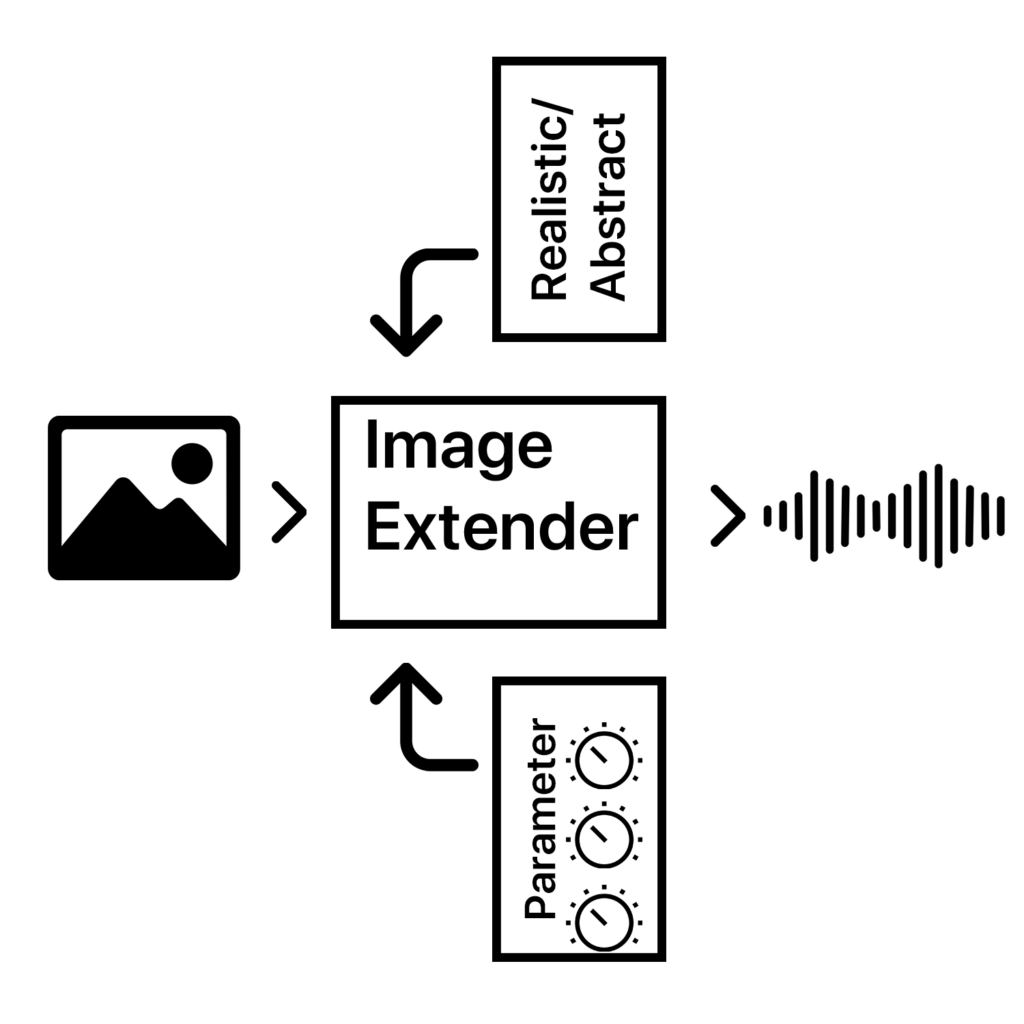
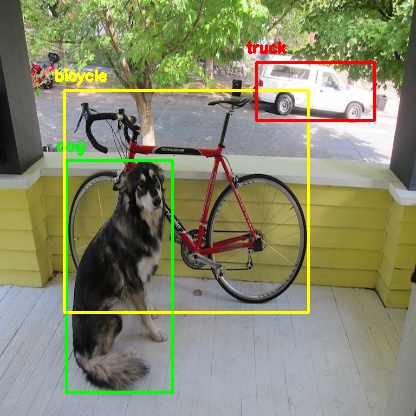
The existing pipeline, comprising image analysis (object detection, semantic tagging), importance-weighted sound search, audio processing (equalization, normalization, panoramic distribution based on visual coordinates), and temporal randomization was extended with a state-preserving session layer and an interactive control interface, implemented within the collab notebook ecosystem.
Data Structure & State Management
A critical prerequisite for interactivity was the preservation of all intermediate audio objects and their associated metadata. The system was refactored to maintain a global, mutable data structure, a list of processed_track objects. Each object encapsulates:
- The raw audio waveform (as a NumPy array).
- Semantic source tag (e.g., “car,” “rain”).
- Track type (ambience base or foreground object).
- Temporal onset and duration within the mix.
- Panning coefficient (derived from image x-coordinate).
- Initial target loudness (LUFS, derived from object importance scaling).
Dynamic Mixing Console Interface
A GUI panel was generated post-sonification, featuring the following interactive widgets for each processed_track:
- Per-Track Gain Sliders: Linear potentiometers (range 0.0 to 2.0) controlling amplitude multiplication. Adjustment triggers an immediate recalculation of the output sum via a create_current_mix() function, which performs a weighted summation of all tracks based on the current slider states.
- Play/Stop Controls: Buttons invoking a non-blocking, threaded audio playback engine (using IPython.display.Audio and threading), allowing for real-time auditioning without interface latency.
On-Demand Sound Replacement Engine
The most significant functional addition is the per-track “Search & Replace” capability. Each track’s GUI includes a dedicated search button (🔍). Its event handler executes the following algorithm:
- Tag Identification: Retrieves the original semantic tag from the target processed_track.
- Targeted Audio Retrieval: Calls a modified search_new_sound_for_tag(tag, exclude_id_list) function. This function re-executes the original search logic, including query formulation, Freesound API calls, descriptor validation (e.g., excluding excessively long or short files), and fallback strategies—while maintaining a session-specific exclusion list to avoid re-selecting previously used sounds.
- Consistent Processing: The newly retrieved audio file undergoes an identical processing chain as in the initial pipeline: target loudness normalization (to the original track’s LUFS target), application of the same panning coefficient, and insertion at the identical temporal position.
- State Update & Mix Regeneration: The new audio data replaces the old waveform in the processed_track object. The create_current_mix() function is invoked, seamlessly integrating the new sonic element while preserving all other user adjustments (e.g., volume levels of other tracks).

Integrated Feedback & Evaluation Module
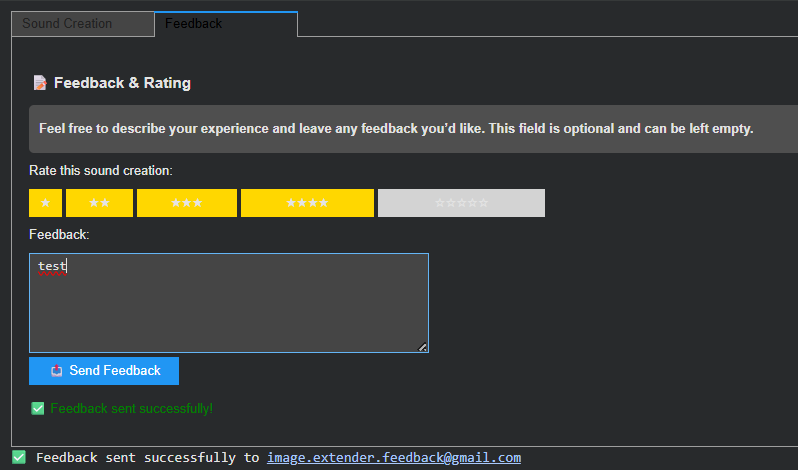
To formalize user evaluation and gather data for continuous system improvement, a structured feedback panel was integrated adjacent to the mixing controls. This panel captures:
- A subjective 5-point Likert scale rating.
- Unstructured textual feedback.
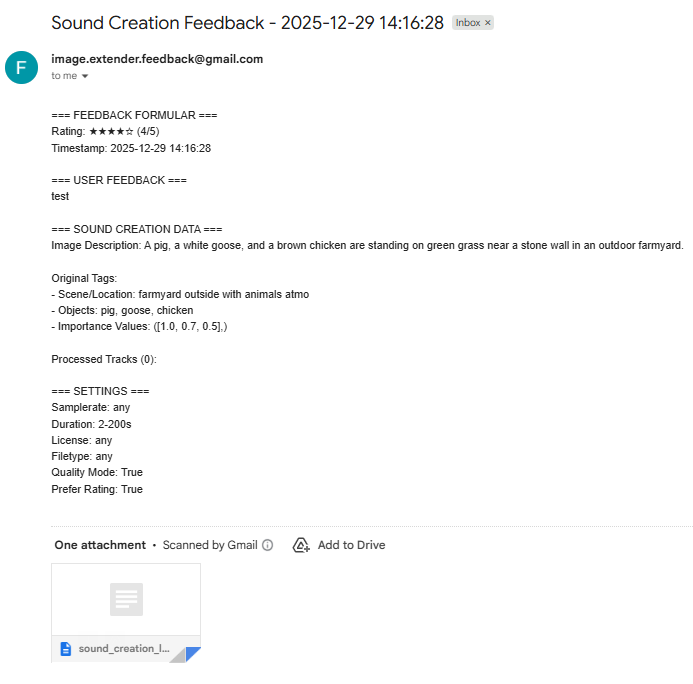
- Automated attachment of complete session metadata (input image description, derived tags, importance values, processing parameters, and the final processed_track list).
This design explicitly closes the feedback loop, treating each user interaction as a potential training or validation datum for future algorithmic refinements. - Automated sending of the feedback via email